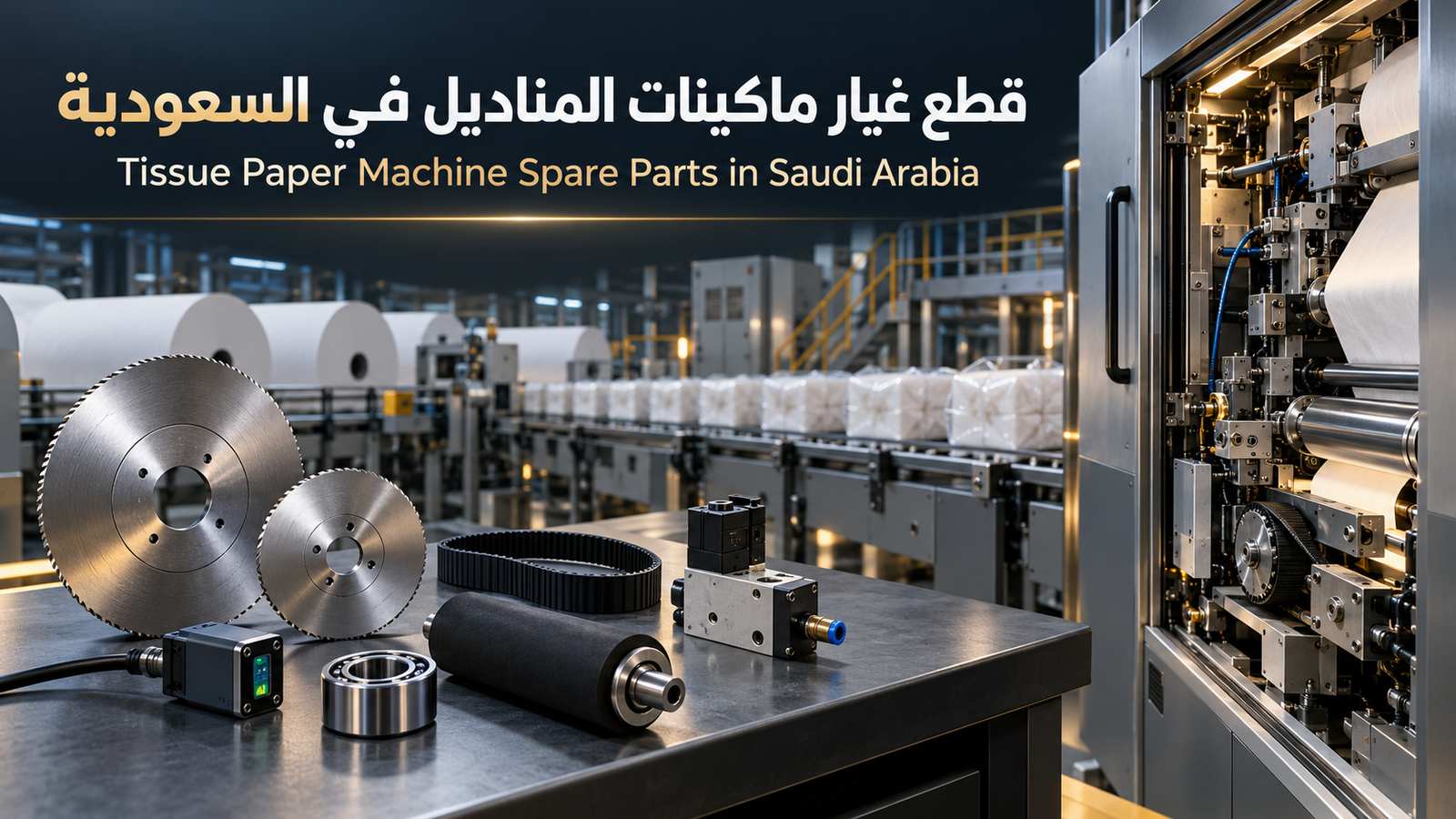
When sourcing tissue paper machine spare parts in Saudi Arabia, a component name alone is rarely sufficient. Blades, belts, sensors, and bearings may look similar, yet differences in model, dimensions, voltage, or mounting can make a replacement incompatible and extend production downtime.
Al Baraka supplies spare parts and technical support for hygienic-paper projects. Clear machine and fault information helps identify the required component and reduce ordering errors. Explore its tissue paper manufacturing machines and production lines to review the equipment categories it supports.
Request component identification: send the manufacturer, machine model, nameplate photo, component images and dimensions, and a description of the fault.
Which Spare Parts Need Regular Attention?
Requirements vary across facial tissue, napkin, roll, and packing machines. Common wear or monitoring items include:
- Cutting and perforating blades and holders.
- Belts, chains, and rollers.
- Bearings, bushes, and gears.
- Sensors, switches, and counting devices.
- Pneumatic valves and cylinders.
- Heating and sealing elements for packing machines.
- Selected folding, embossing, and paper-transfer parts.
- Electrical and control components specific to the line model.
Avoid purchasing random quantities of every item. Identify critical and fast-wearing parts using the manual, operating hours, and maintenance history.
How Do You Verify Compatibility?
Use the part number whenever available rather than relying only on a generic name. Compare dimensions, material, power or voltage, connection type, movement direction, speed, and temperature limits according to the component’s function.
A small difference in blade diameter or thickness can cause vibration or inconsistent cutting. With sensors and electrical components, an incorrect signal type or voltage may prevent operation or create repeated faults.
Information Needed for a Faster Quotation
Send the following details together:
- Machine type and function within the line.
- Manufacturer, model, and production year where available.
- A clear machine-nameplate photograph.
- Part number or any printed code.
- Multiple component images with dimensions.
- Required quantity and factory location.
- A short fault video if the component is not confirmed.
Complete information shortens technical review and helps prevent ordering a part that does not address the actual cause.
Failed Component or Incorrect Adjustment?
Not every production problem means a part has failed. Paper misalignment may result from tension or alignment; weak pack sealing may relate to temperature or film; and repeated sensor stops can be caused by dust or wiring.
Diagnose the fault before replacement. Al Baraka’s tissue paper machine maintenance guide explains early warning signs and preventive checks.
How Can You Reduce Production Downtime?
Create a critical-parts list with codes, suppliers, and expected lead times. Record the installation date and actual service life of each item. Keep a calculated stock of frequently consumed blades, belts, and sensors, and investigate recurring wear instead of repeatedly replacing the component.
When importing and installing a tissue production line in Saudi Arabia, request the recommended spare-parts list, operating manual, and relevant diagrams within the supply scope. This is particularly important for components that cannot be sourced using generic specifications.
Request Spare Parts and Technical Support
Contact Al Baraka with the machine and component details. The technical team can review compatibility, quantity, and required support, whether you need a consumable part or a fault assessment before purchase.
FAQ
Is a component photograph enough to order a replacement?
It helps, but the model, part number, dimensions, and machine nameplate should also be provided.
Which spare parts should a factory keep in stock?
Keep critical and fast-wearing parts capable of stopping production, based on the machine, operating hours, and supply lead time.
Why does a newly replaced part fail repeatedly?
Possible causes include incompatibility, installation or adjustment errors, or another fault placing excessive load on the component.